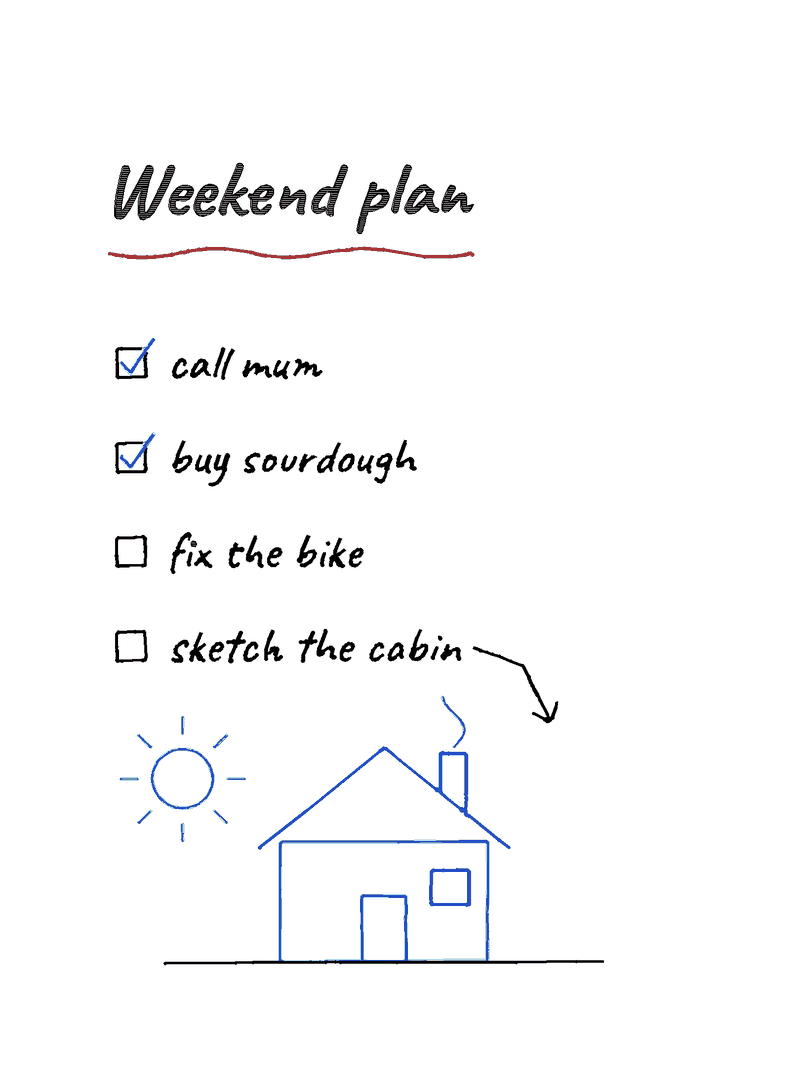
Image to ink
Notes, sketches, logos and PDFs become strokes you can erase, lasso, move and recolour, like your own handwriting.
Open the tool →Photos become real pen strokes, sketches become clean drawings and workbooks get marked, right on your reMarkable. Not a picture behind your notes.
Free and open source. No account needed.
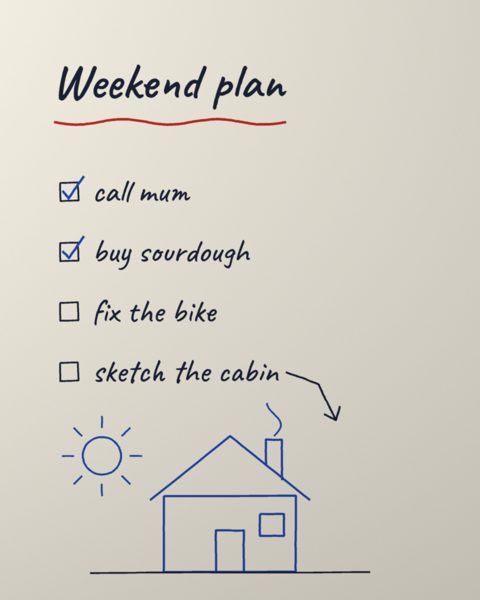
The first works in your browser right now. The other two run in your own Claude.
Notes, sketches, logos and PDFs become strokes you can erase, lasso, move and recolour, like your own handwriting.
Open the tool →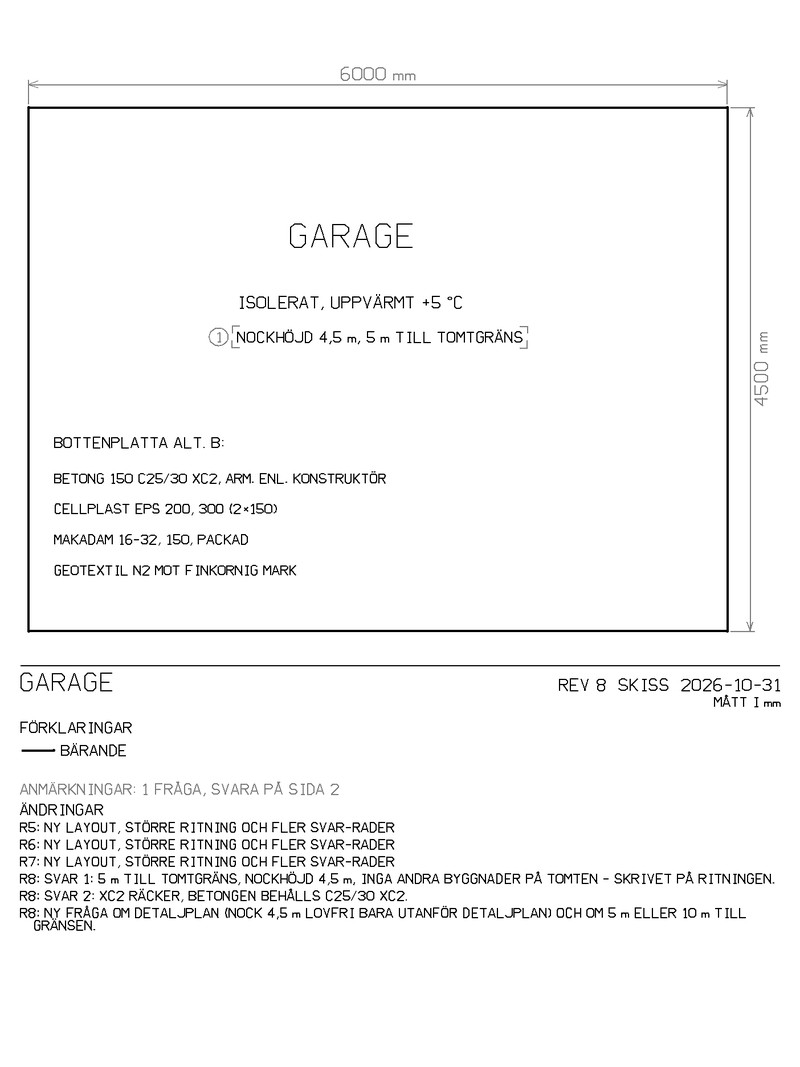
Sketch on the tablet and get a clean drawing with dimensions, symbols and a title block. Mark it up with the pen and the next revision comes back.
See the interactive demo →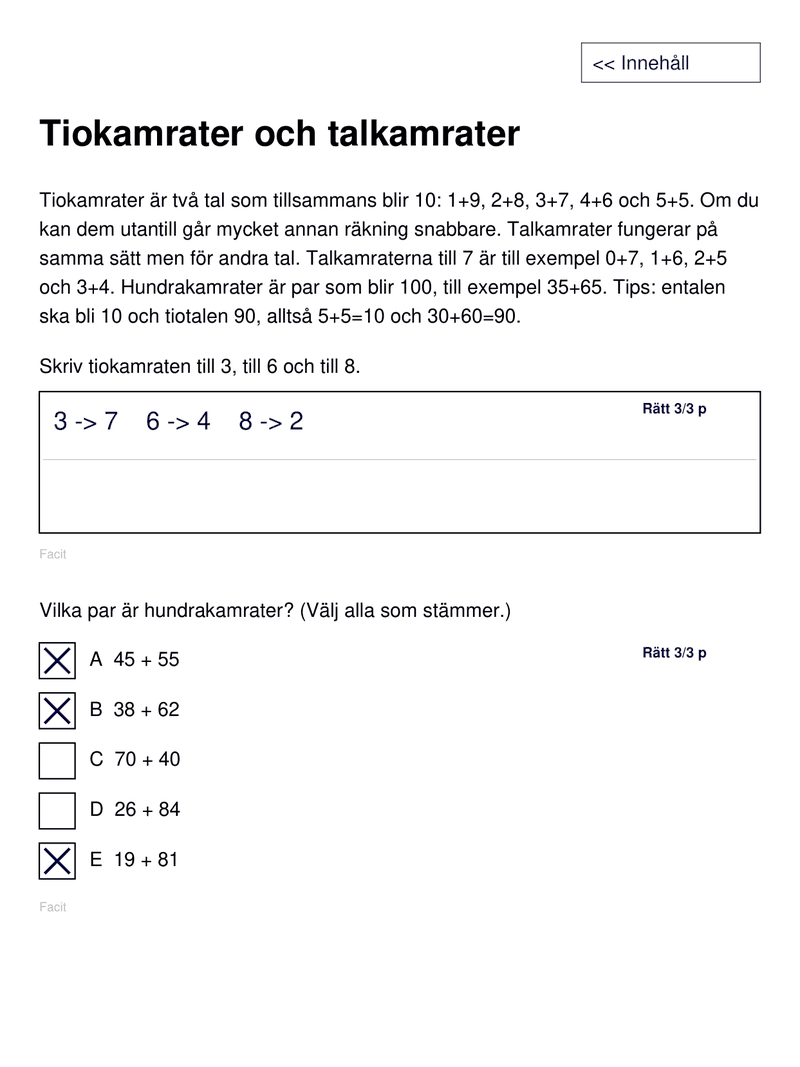
Claude writes a linked workbook. You answer by hand, your handwriting becomes text and the answers are marked, with the solutions on a hidden layer.
Read more (in Swedish) →The same pen, aimed at one audience and one need. These are in Swedish for now, because their content follows Swedish school years and building rules.
Teachers, parents and pupils
Practise by hand, with no screens to tap.
8 groups · 65 topics · years 1–9
Read more (in Swedish) →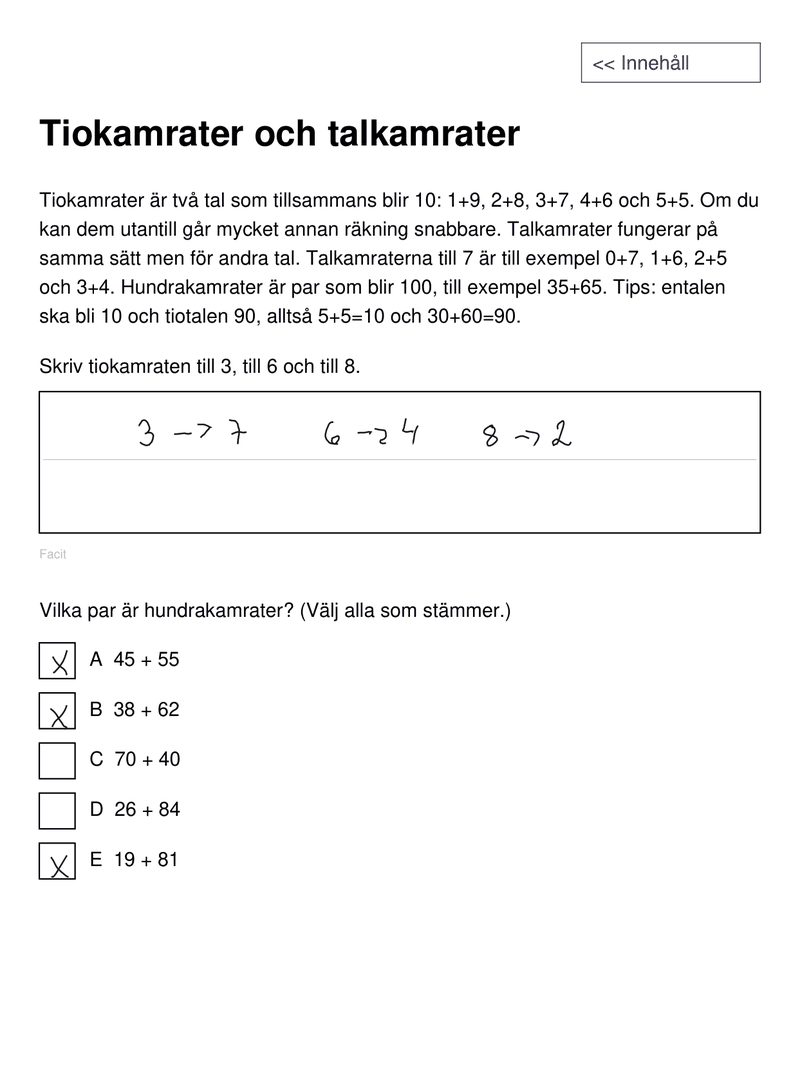
Anyone who builds, draws or reviews small buildings
From hand sketch to drawing, in revision rounds.
33 drawing symbols · 53 review rules · 43 materials
Read more (in Swedish) →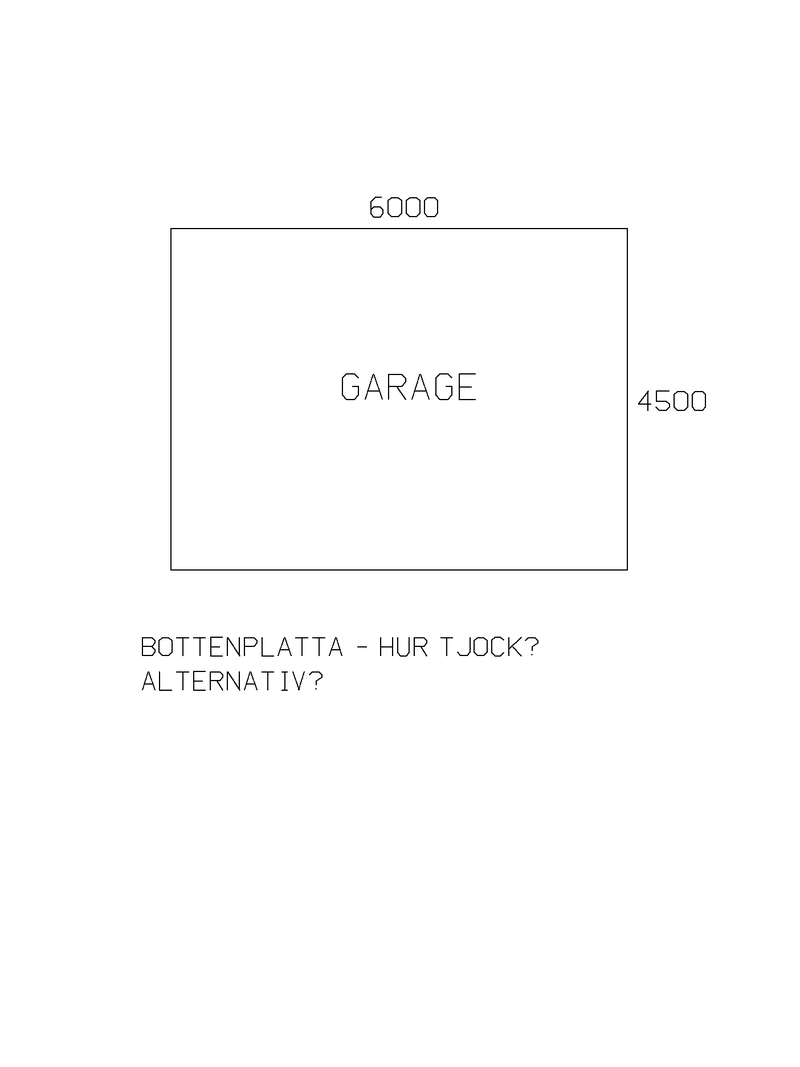
A photo of your notes, a sketch, a logo or a PDF. On a phone you can take the photo right there.
Pick your tablet and a style. The preview shows exactly what you will get.
Send it straight to reMarkable, or download the notebook and copy it over.
Sketches, drawings and workbooks have to reach your tablet and come back. That goes through the reMarkable Cloud, or over the USB cable: plug the tablet in, turn on its USB web interface and tell rmink once.
uvx rmink transport use usbOver the cable rmink cannot make or move folders on the tablet. You make them there, and rmink names the one it needs. This is for rmink in your Claude and on the command line; the tool in the browser sends through the cloud or gives you a file.
Other packages can add to rmink: another way to reach the tablet, file formats in and out, commands, and tools for Claude. Content packs add symbols, materials, rules and workbook topics as plain text files, with no code.
Sketches, drawings and workbooks run in your own Claude, on your own Claude account. Add rmink as an MCP server in Claude Code or Claude Desktop and ask.
claude mcp add rmink -- uvx --from 'rmink[mcp]' rmink mcpTo reach your tablet you need rmapi and a reMarkable subscription, or just the USB cable. You run a few commands in a terminal.
rmink is open source under AGPL-3.0. If it saves you time, you are welcome to support it with 100 kr.